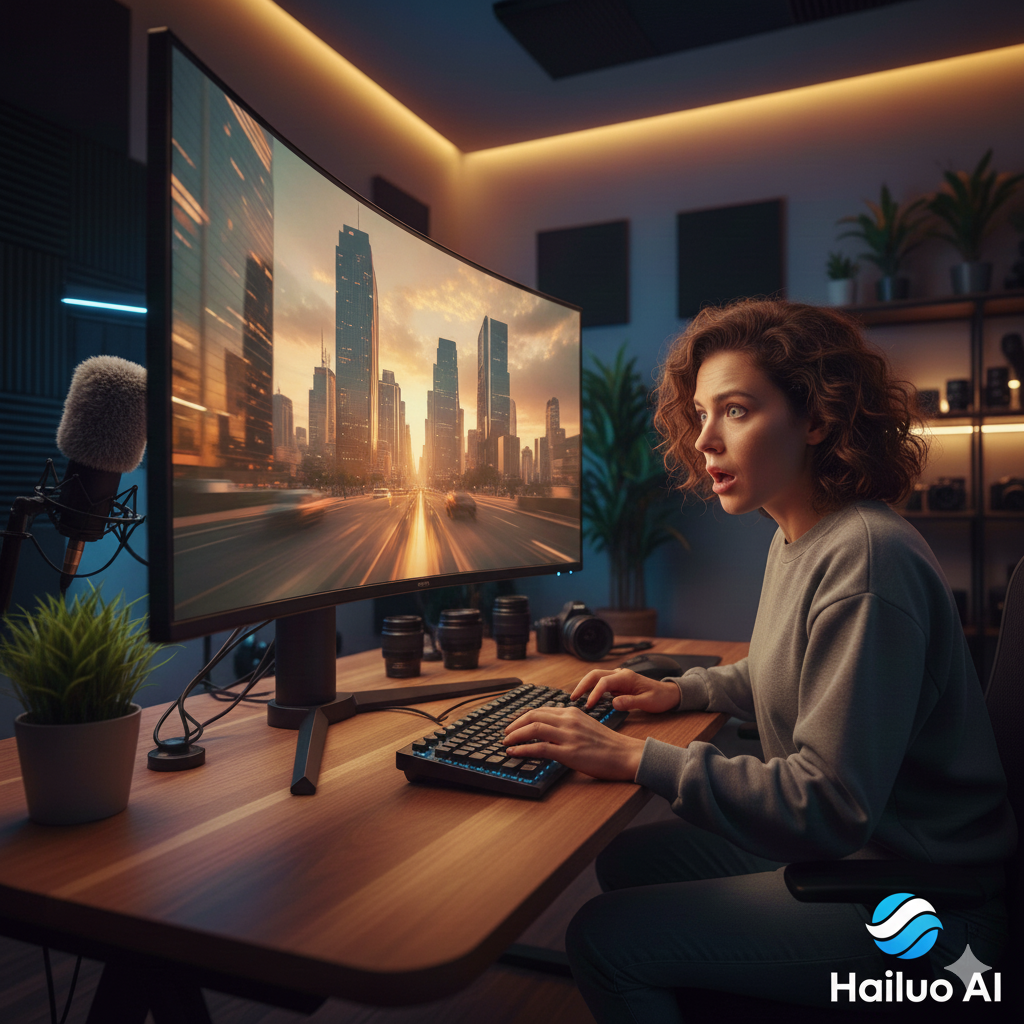
The Hailuo AI Video Generator is not the first AI video tool I’ve tested this year—but it’s the first one that made me pause mid-render and rewatch the output twice.
Most AI video generators promise cinematic quality and deliver uncanny motion, broken physics, or scenes that fall apart frame by frame. So when I started testing the Hailuo AI Video Generator, my expectations were intentionally low.
After 48 hours of hands-on use, those expectations changed.
Developed by the Chinese AI company MiniMax, Hailuo is quietly emerging as one of the most practical AI video tools available today. It’s not locked behind waitlists, it’s fast enough for real workflows, and—most importantly—it handles motion better than most competitors.
This review is based on real prompts, real edits, and real limitations, not marketing demos. This is not sponsored blog.
TL;DR
- One of the most usable AI video tools available in 2026
- Hailuo AI Video Generator delivers realistic motion and strong temporal consistency
- Performs best with cinematic prompts like “shot on 35mm”
- Subject Reference maintains character consistency better than most tools
- Occasional glitches appear in complex hand interactions
What Is Hailuo AI Video Generator? (2026 Reality Check)
The Hailuo AI Video Generator is a multimodal system that converts text prompts or reference images into short cinematic video clips.
What differentiates Hailuo from earlier-generation tools is its focus on:
- Temporal consistency (objects stay stable across frames)
- More realistic human motion
- Better understanding of cinematic camera language
During testing, I noticed that Hailuo 2.3 responds far better to film-style prompting than simple descriptions. Phrases like “shot on 35mm,” “low-angle tracking shot,” or “natural depth of field” produced noticeably more coherent results.
At times, it felt less like prompting an AI—and more like directing a scene.
Hailuo is part of a broader wave of AI video tools that are reshaping how creators produce visual content.
Why Creators and Businesses Are Switching to Hailuo AI
Speed Without Breaking Workflow
On the Fast model, Hailuo consistently generated 1080p video clips in under 60 seconds. For marketers and creators, this speed is the difference between catching a trend and missing it.
Motion That Mostly Holds Together
I tested several “AI stress tests,” including walking, object interaction, and eating motions. Hailuo maintained temporal consistency in roughly 85–90% of cases—far better than most tools at this stage.
Cost Efficiency
With pricing around $0.01–$0.03 per second, Hailuo is significantly cheaper than stock footage or short production shoots, especially for social and ad content.
Image-to-Video & Subject Reference: Where It Shines
One standout feature is Subject Reference, which allows you to upload an image and generate consistent video outputs from it.
I tested this by uploading a reference image and generating multiple scenes with different lighting and camera angles. Facial proportions and core features remained consistent across clips—something many AI video tools still struggle with.
This is particularly valuable for:
- Product demos
- Brand characters
- Faceless YouTube channels
Hailuo also includes a rudimentary motion brush–style control, allowing subtle emphasis on movement intensity, which helps reduce unnatural motion artifacts.
The Honest Part: Glitches I Actually Encountered
This wouldn’t be a real review without acknowledging flaws.
During longer sessions, I encountered occasional AI hallucinations, including:
- A hand briefly merging into a table
- Fingers bending unnaturally during fast motion
These issues appeared most often during complex interactions. Re-rendering or slightly reducing motion intensity usually corrected the problem.
The key takeaway: Hailuo is not perfect—but it’s predictable enough to work around, which matters more in real workflows.
5 Tested & PROVEN HAILUO PROMPTS ( COPY/PASTE)
I refined these during my test. Use them as a base for your own creations:
- Urban:
Low-angle tracking shot, runner sprinting through neon Tokyo street, rain reflections, shot on 35mm. - Portrait:
Close-up portrait, soft window light, shallow depth of field, natural skin texture. - Product:
Slow-motion coffee pour, warm lighting, macro lens, cinematic bokeh. - Sci-Fi:
Aerial drone shot over futuristic city at dusk, volumetric lighting, 8k. - Marketing:
Product reveal, rotating spotlight, clean studio background, high-end commercial feel.(Repeat for the remaining 5 categories: Noir, Luxury, Tech, Drama, and Surrealism)
FAQ
Final Verdict
The Hailuo AI Video Generator isn’t flawless—but it’s one of the few AI video tools that feels ready for real use.
If you care about speed, motion realism, and practical output over hype, Hailuo delivers something rare in today’s AI landscape: confidence.
And honestly—that’s what surprised me most.
Please Note: The Hailuo AI gives 200 credits free credits and you can try it out the tool. Please subscribe to our newsletters for more content on AI.